
A practical checklist for gathering old family photos, scanning prints with your phone, and choosing the ones that will look good in a video.
The short answer
Look for old photos in family albums, with grandparents and other relatives, on old phones, in cloud backups, in family group chats and in school photos. Scan prints by laying them flat near a window in daylight, with the flash off and your phone held straight above them. Then choose about one photo per year for a child, or one or two per decade for an adult, each with a clear face, plus at least one photo of the person alone.
Decide what you need before you search
Searching goes faster with a target. Write down the person, the years you want to cover and roughly how many photos you need. For a child, that is about one photo per year. For a 50th or a 70th, one or two per decade is enough. A video of 10 to 15 photos runs about a minute, so you need a good set, not hundreds.
Then make a shot list of moments you hope to find: an early photo, a first day of school, a team photo, a graduation, a wedding, a recent photo. Gaps in that list tell you exactly whom to ask. If the video is for a big birthday, our milestone birthday ideas suggest a photo span for each age.
Where old photos hide
How to ask relatives for photos
Be specific, give a deadline and make it easy to say yes. A message like this works:
“We're making a short video for Dad's 60th. Could you send one or two photos of him from the 1970s or 1980s where you can see his face clearly? A phone photo of the print is perfect. Please add the year if you know it, and send them by Friday.”
Share one album or folder link for everyone to add photos to, and ask relatives to keep their originals at home. Prints can get lost in the mail; phone copies don’t.
How to scan old prints with your phone
You don't need a scanner. A recent phone and good light give you a copy that looks good in a video.
Wipe your phone's lens, and dust the print gently with a soft, dry cloth.
Take the print out of any plastic sleeve or album film if you can do it without damage. Plastic causes glare.
Lay it flat on a plain, matte, dark surface near a window. Bright indirect daylight is best; avoid direct sun.
Turn the flash off. Flash leaves a white glare spot, especially on glossy prints.
Hold the phone straight above the print, parallel to it, so the corners stay square. Stand so your shadow does not fall on it.
Fill the frame with the print, tap the face to focus, and take two shots.
Crop to the print's edges and straighten it in your phone's photo editor.
Many phones have a document-scan mode in their notes or files app that flattens and crops automatically, and free photo-scanning apps can reduce glare by combining several shots. If a print is curled, leave it under a heavy book for a day first.
If you have a flatbed scanner
Scan at 300 to 600 dpi, and use the higher setting for small prints, such as wallet photos, so they still fill a screen. Save as high-quality JPEG or PNG. Clean the glass first, because every speck of dust shows.
Which photos work best in a video
A photo can be precious and still not work on a screen. Use this checklist as you choose:
Include at least one photo where the person is alone. Photos with parents, siblings, partners or friends are welcome too, and they often carry the most feeling.
Faded colors and small scratches are fine. Choose the clearest copy you can find. A gentle brightness or contrast tweak in your phone’s editor is all most prints need.
Organize them by year
Make one folder per year, or one per decade for an adult.
Rename files so they sort themselves, for example 1987-age-3-beach.jpg and 1994-age-10-first-bike.jpg.
When a date is missing, look for clues: the back of the print, a haircut, a school grade, a car or a house in the background, or a sibling's height. Relatives usually know within a year.
Pick your final set last, once everything is in one place. It's easier to spot gaps and duplicates.
File formats: what works
Most video tools accept JPEG and PNG. iPhone photos are often saved as HEIC, which some tools reject; CosmosBites accepts HEIC directly, along with JPEG, PNG and WebP. When relatives send photos through a chat app, ask them to send the photo as a file or document if the app offers it, because chat apps often compress photos.
From photos to a growing up video
Once your photos are ready, a growing up video is one way to use them: one person, in age order, each photo growing into the next. In the CosmosBites Growing Up Video, you add 2 to 80 photos in any order, even in several batches. It sorts them by age, sets aside duplicates and photos without people, and lets you drag any photo to a new place before you create.
It animates your photos as they are. It doesn't restore or colorize them, and it isn't an aging filter, so the copy you scan is the copy you'll see. Each animated scene costs 50 credits, you see the price before you create, and every account can make one free Trial video.
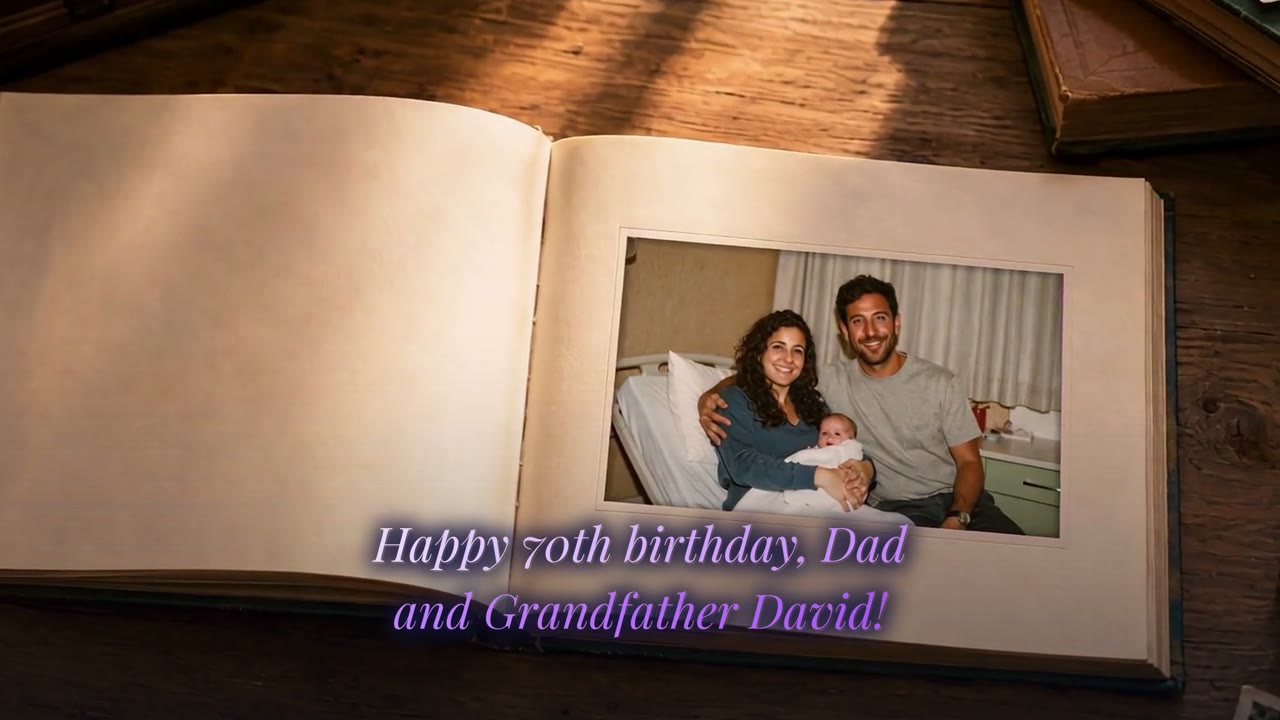
Grandfather David turns 70
Thirteen Tel Aviv family photos, from his daughter Noa's birth in 1980 to his 70th birthday on the balcony.
See how it was madeOur step-by-step growing up video guide covers order, length and music, and the tutorials show the whole process on screen.
Questions and answers
What is the best way to scan old photos with a phone?
Lay the print flat near a window in indirect daylight, turn off the flash, and hold the phone straight above it so the corners stay square. Fill the frame, tap the face to focus, and crop afterward.
What resolution should I scan old photos at for a video?
On a flatbed scanner, 300 dpi is enough for standard prints; use 600 dpi for small prints so they still fill a screen. A phone photo that fills the frame with the print works too.
Can I use photos from a family group chat?
Yes, but chat apps often compress photos. Ask the sender for the original, sent as a file, or saved straight from their phone's gallery.
Do iPhone HEIC photos work?
In CosmosBites, yes: HEIC works alongside JPEG, PNG and WebP. Some other tools need you to convert to JPEG first.
Will the video fix faded or damaged photos?
No. CosmosBites animates your photos as they are and doesn't restore or colorize them. Pick the clearest copy, and make small brightness or crop fixes in your phone's editor.
How many old photos do I need?
About one per year for a child, or one or two per decade for an adult. Ten to fifteen photos make a video of about a minute.
Turn your photos into a Growing Up video
Every photo grows into the next, from their first days to today. Every account can create one free Trial video.
Create your Growing Up videoKeep reading